Features
Explore HypaValley capabilities and learn how to get started.
Watch: HypaValley tutorial
Algorithm: Block Builder
Quick definitions and the fields you configure for every block type.
Data
- Data: Ticker — symbol (AAPL, IBIT, etc.), timeframe (1s/1m/5m/1h/1d), price value, price timing. Feeds candles to indicators/conditions.

Indicators - the length unit depends on the Data: Ticker setting
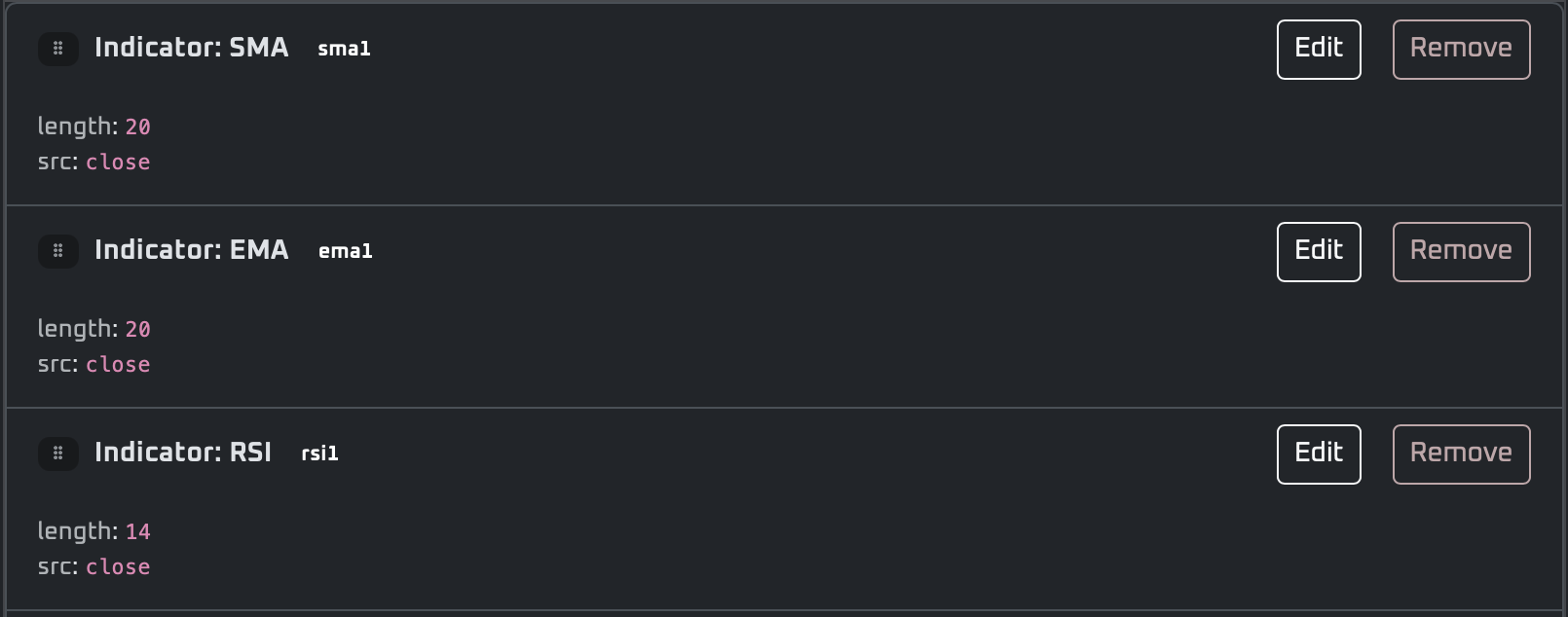
- SMA — fields: length, source (open/high/low/close). Outputs simple moving average.
- EMA — fields: length, source. Outputs exponential moving average.
- RSI — fields: length, source. Outputs 0–100 oscillator (overbought/oversold).
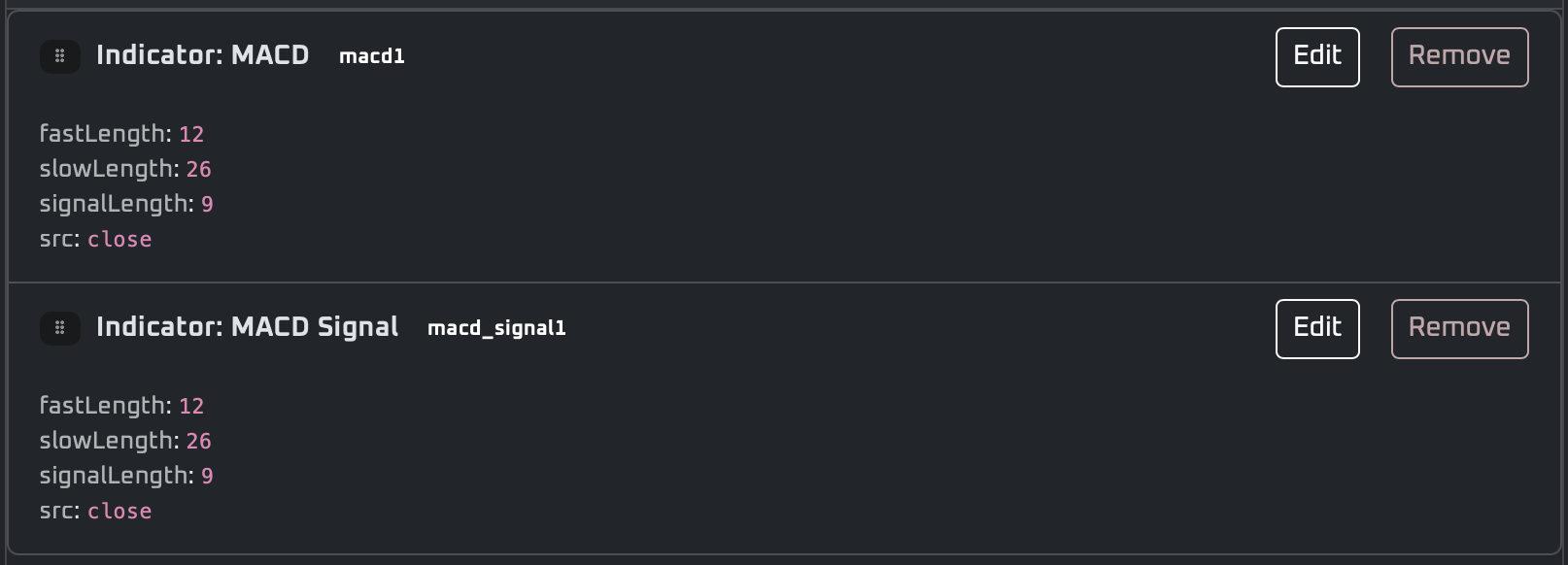
- MACD — line/signal/histogram blocks with fast/slow/signal lengths for trend + momentum.
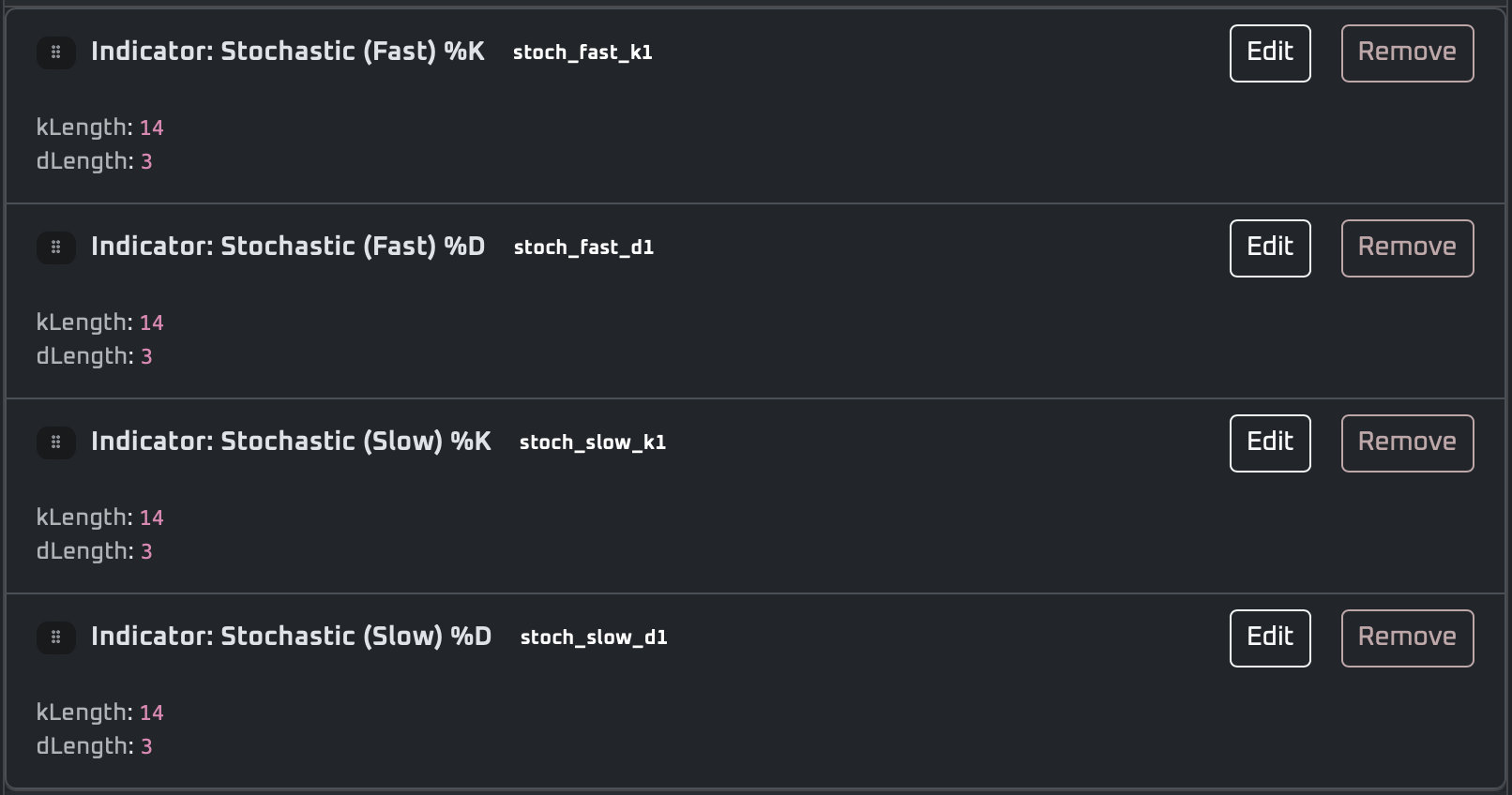
- Stochastic — fast/slow %K/%D blocks for overbought/oversold signals.
- Kalman Filter — adaptive smoothing filter for noisy price series.
Conditions
- Cross — detects series A crossing series B (e.g., SMA20 above SMA50) on the bar it happens.
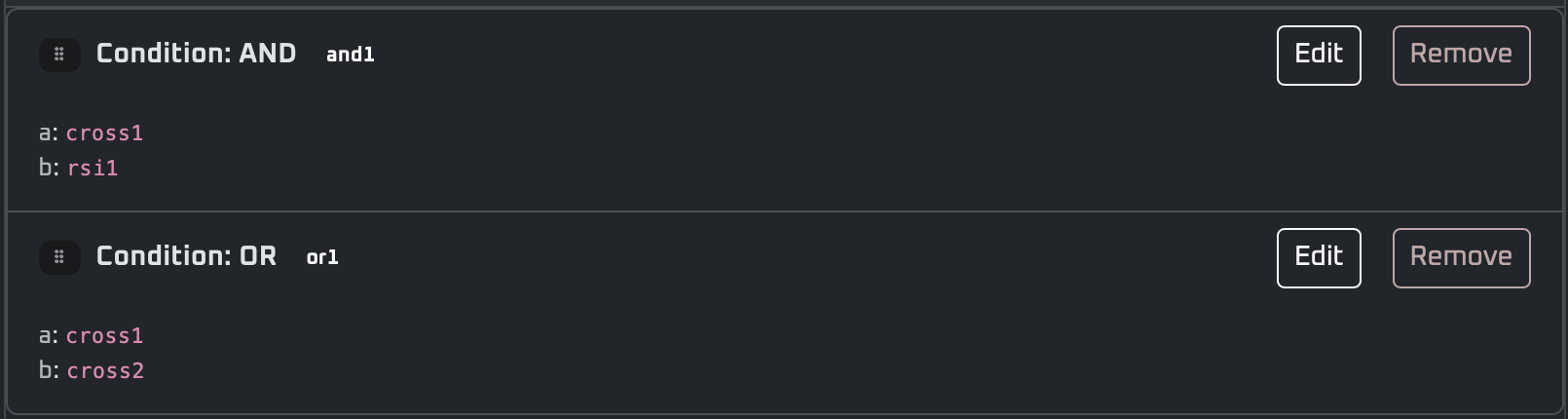
- AND / OR — combine multiple conditions; AND requires all true, OR requires any true.
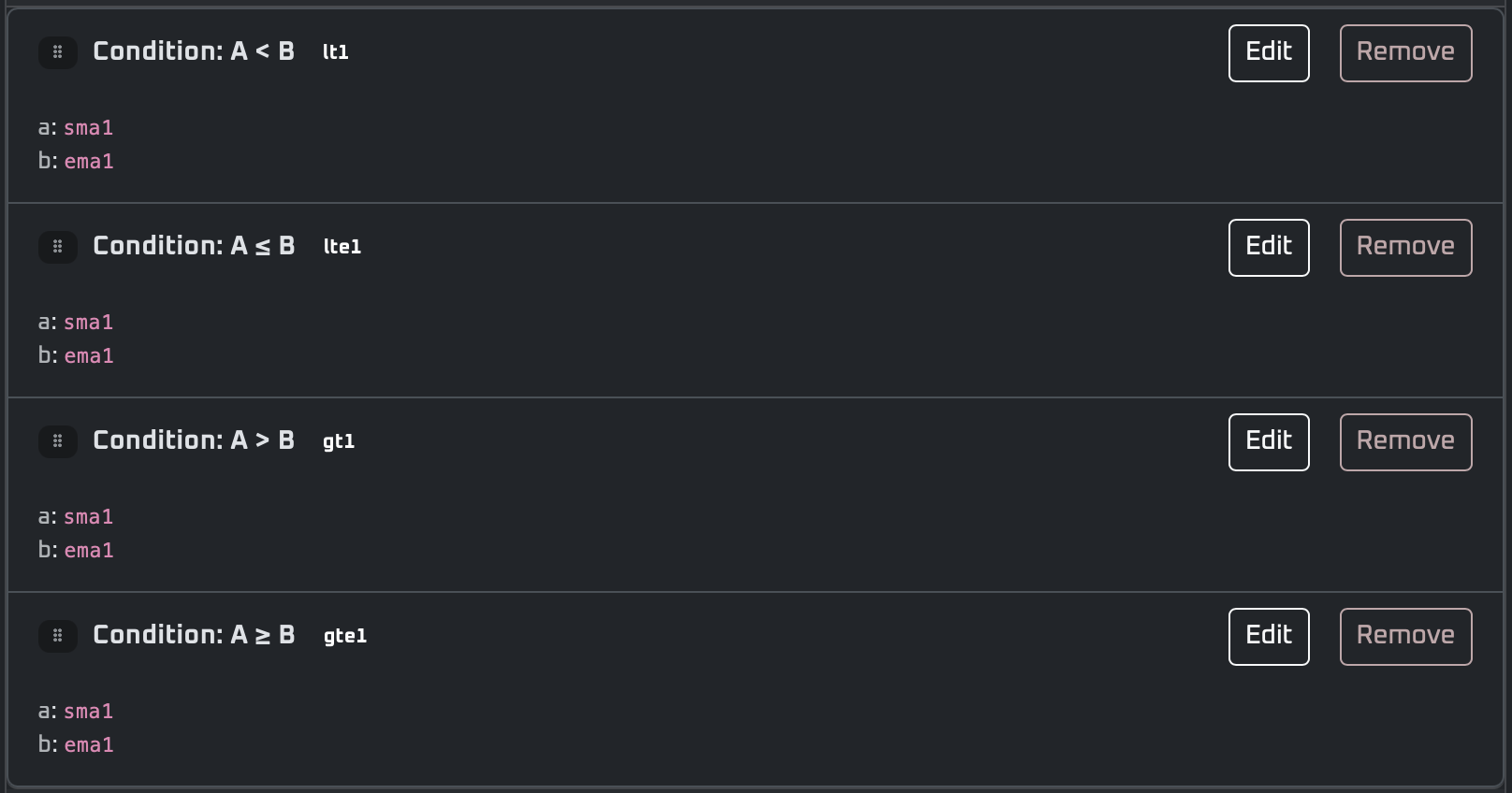
- Comparisons — greater/less than checks vs values or indicators (e.g., RSI < 30, price > SMA50).

Actions
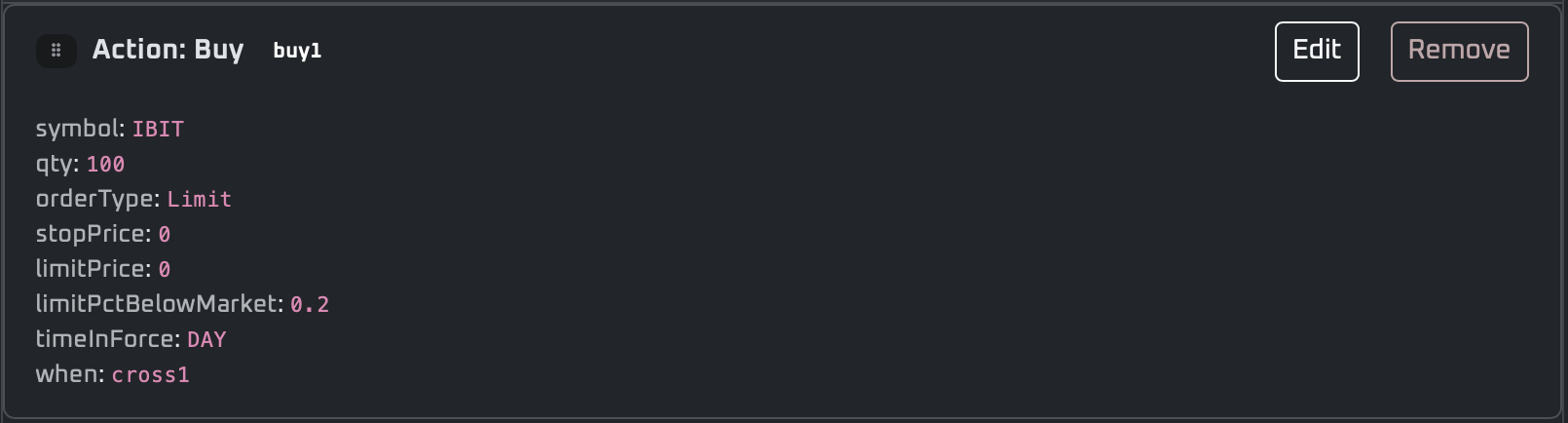
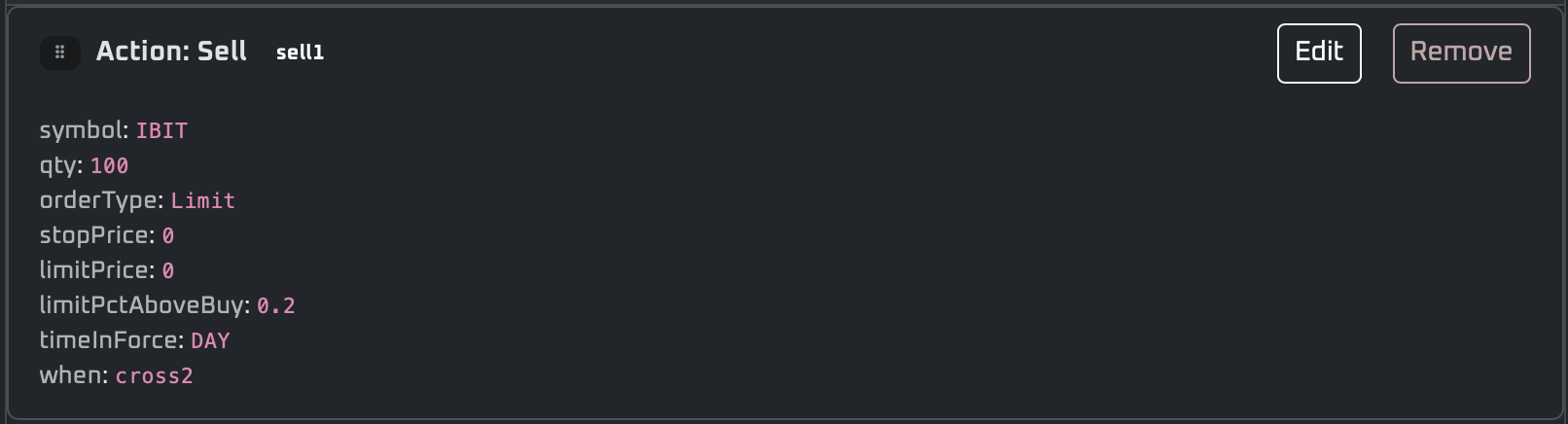
- Buy / Sell — size in shares, cash $, or % equity; symbol defaults to data ticker.
- Order type — Market, Limit, Stop, Stop-Limit.
- Limit — set a limit price or use % below market (buy) / % above last buy (sell).
- Bracket / Trailing Stop (Buy/Sell) — define exits or trailing protection in one action.
- Wait for Fill (checkbox) — pause execution until the action fills or times out.
- Time-in-force — DAY, GTC, IOC, FOK (depending on Alpaca mode/support).
Utility
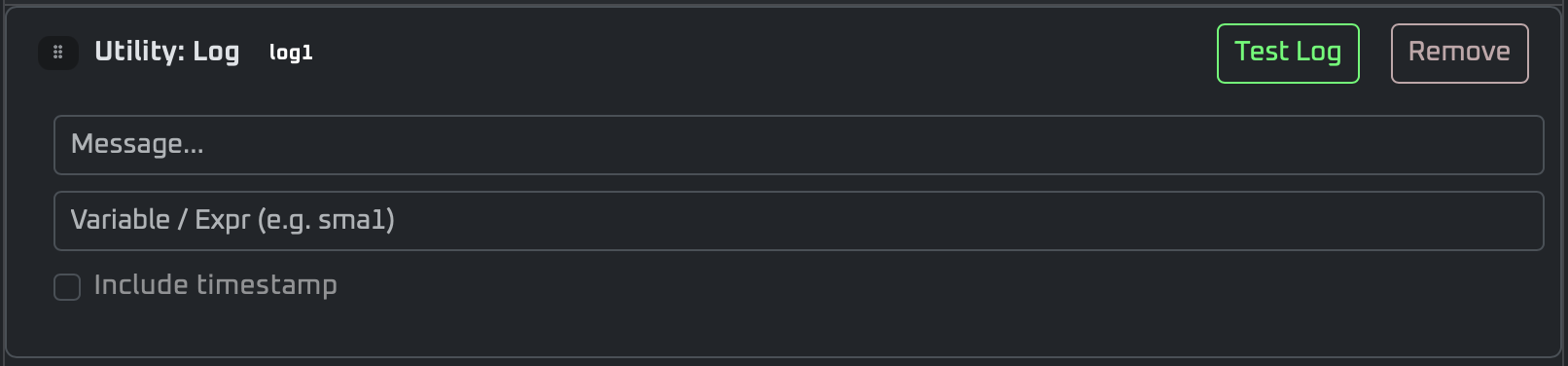
- Log — print a message/variable to console.
- File Output (CSV) — queue rows for Export CSV downloads.
- Loop Restart — restart the loop from the top when triggered.
- New Loop — create a fresh loop iteration without restarting the current one.
- Wait Market Open — pauses until Alpaca reports market open.


Tips
- Flow: "Utility: Wait Market Open" if market is closed → "Data: Ticker" to define symbol and timeframe → Indicators → "Utility: Log" or "File Output (CSV)" to monitor values → Conditions → Actions (use Wait for Fill checkbox when needed) before moving onto the next action.
- Add Wait Market Open and enable Wait for Fill on actions to avoid stale or after-hours runs.
- Start simple (one condition) and layer AND/OR logic later.
- Switch to Code Builder for advanced customization.
Algorithm: Accessories
Drop-Down Menu
- Paper / Live — Choose which Alpaca account mode to target for this run.
- Builder — Pick Block Builder or Code Builder (code view auto-syncs from your blocks).
- File name — Give the script a clear name before saving/trading.

Buttons
- Sync from Blocks — Overwrite Code Builder with the current Block Builder canvas; lights up when your code has diverged.
- Run Test — Backtest blocks or your edited code (no orders placed); shows logs/stats and inferred trades.
- Risk Analysis — Open from the Run Test dropdown to run Monte Carlo risk analysis.
- Stop — Request a stop for an active test or trade session.
- Save — Persist the current script (blocks or code) to your workspace.
- Export CSV — Export rows produced by the File Output utility as a CSV.
- TRADE — Launch live/paper execution using the current builder selection and mode.

Console
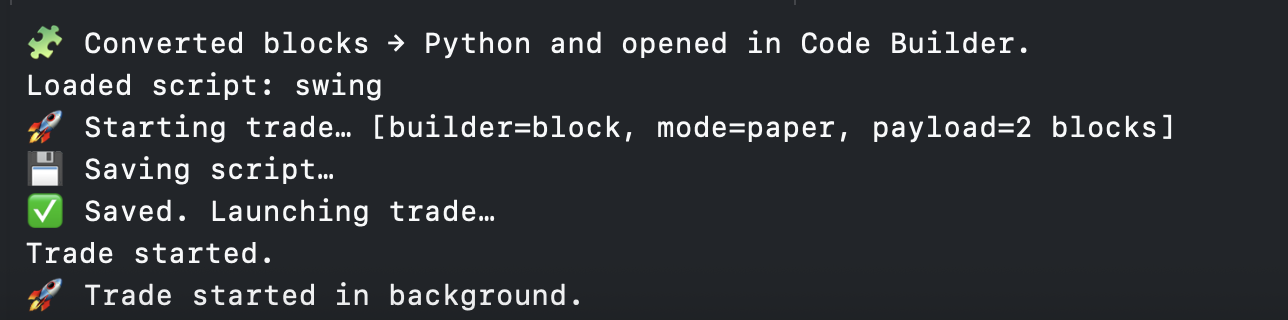
- Console window — Live stream of status, logs, and errors (useful for fills, timeouts, and debugging).